
Corridors are the heart of road design in Civil 3D, and also the source of many support calls. Most problems come back to a handful of causes. Here they are, with their fixes.
1. Frequency too coarse
Symptom: the corridor surface cuts corners in curves, or the volumes look off.
Fix: in Corridor Properties > Parameters > Frequency, reduce the increment along curves and make sure sections are added at horizontal and vertical geometry points and at superelevation critical points. A 10 m tangent frequency with 5 m or less in curves is a common starting point; adjust to your project.
2. Targets not assigned
Symptom: lanes do not widen, the ditch does not follow its profile, or the daylight does nothing.
Fix: open Target Mapping for each region. Width targets (alignments, polylines, feature lines), slope/elevation targets (profiles, feature lines) and surface targets must be set per region. A new region does not inherit the targets of the previous one.
3. Daylight fails
Symptom: side slopes stop short or disappear.
Fix: the daylight subassembly cannot find the target surface. Check that the existing ground surface extends far enough beyond the road, that the right surface is targeted, and that the maximum search width in the subassembly is wide enough for deep cuts and high fills.
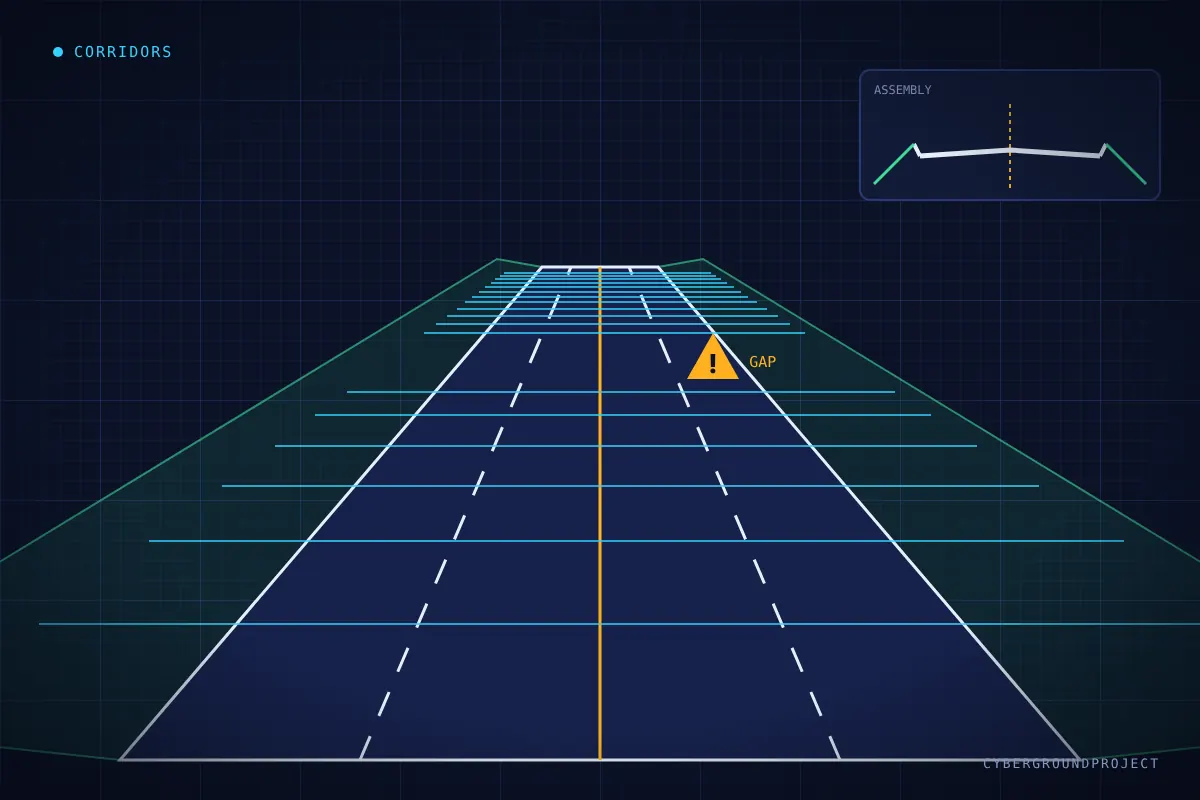
4. Gaps and overlaps between regions
Symptom: holes in the corridor surface at region boundaries, or doubled sections.
Fix: regions should share exact start and end stations. Edit the stations in Corridor Properties rather than dragging grips, and lock regions to geometry where possible so they follow design changes.
5. Spikes and bad triangles in the corridor surface
Symptom: long triangles bridge across the corridor or outside the daylight.
Fix: build the surface from the right feature line codes (Top, Datum) and add a boundary using the daylight lines or the corridor extents. At intersections and complex areas, add break lines from feature lines to control triangulation.
6. Slow drawings
Symptom: every edit freezes the drawing.
Fix: turn off Rebuild Automatic while designing, rebuild manually when needed, split long projects into several corridors, and reference them through data shortcuts. Avoid placing many corridors and their surfaces in the same drawing as the sheets.
7. Assembly offsets misused
Symptom: a sidewalk or parallel road does not follow its own alignment.
Fix: use an offset assembly with its own baseline target, or create a separate baseline in the corridor. It is often cleaner than forcing everything into a single assembly.
A simple checking routine
- Review sections with the Section Editor at critical stations.
- Check the corridor surface with contours and a slope analysis.
- Read the event viewer warnings after each rebuild.
Most corridor issues are not bugs, they are missing targets or settings. Check those first and you will solve the majority of cases.